






-
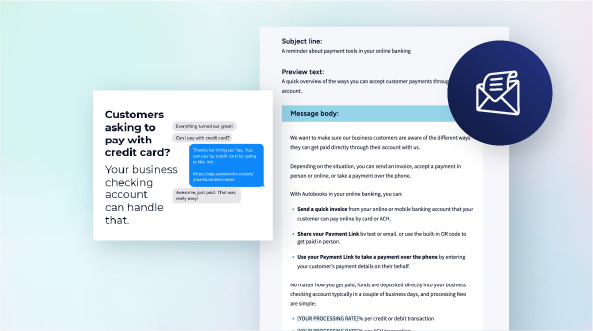
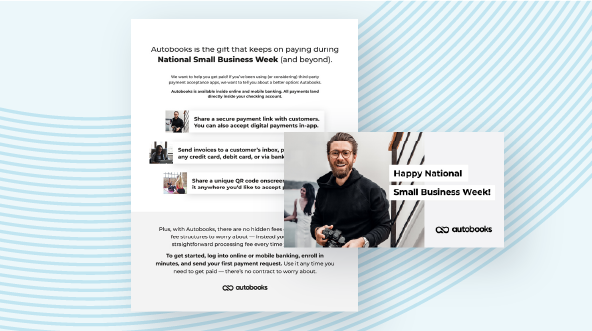
Resource Kit

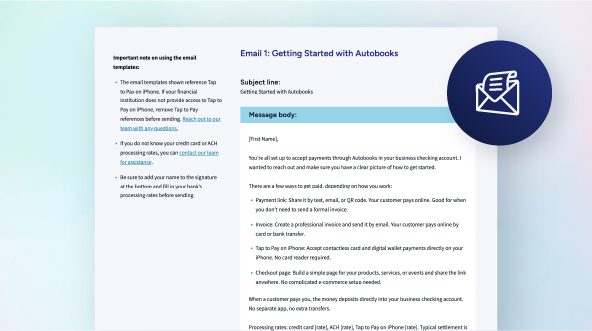
Launch Announcement Campaign
-
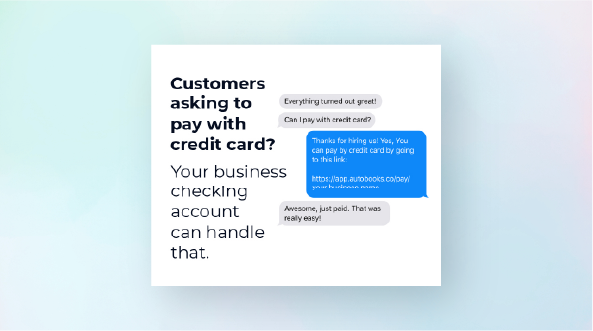
Resource Kit

Evergreen Marketing Campaign
-
Plug and Play Web Content
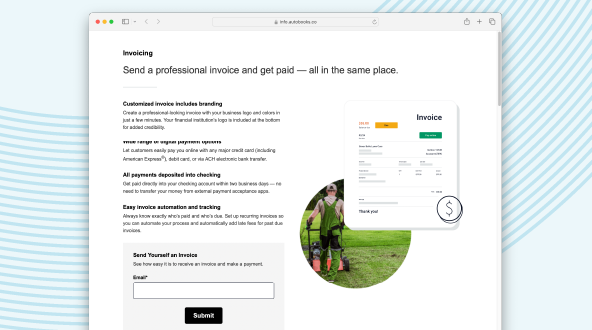
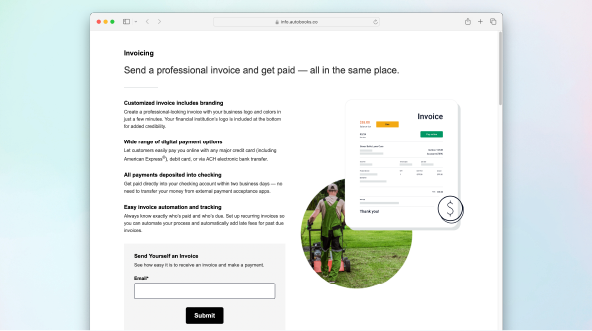
"Get Paid with Autobooks" Landing Page
-
Resource Kit

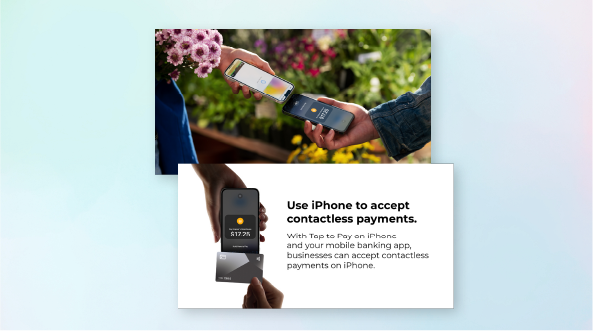
Tap to Pay on iPhone Campaign
-
Resource Kit

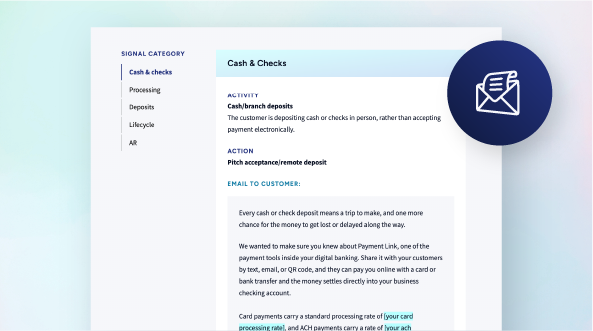
Reengage Your Small Business Customers
-
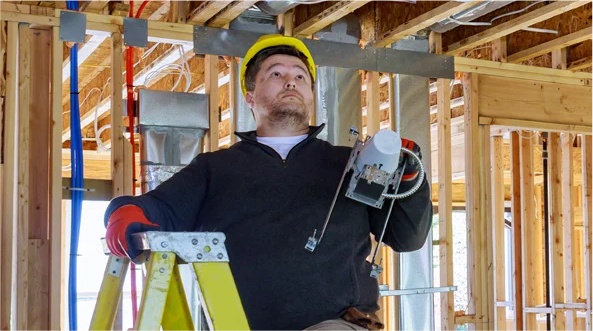
Resource Kit

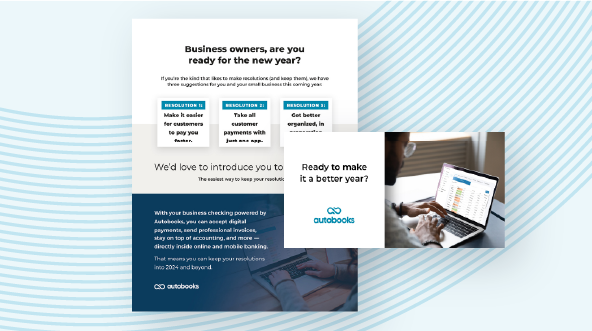
"Construction & Skilled Trades" Marketing Campaign
-
Resource Kit
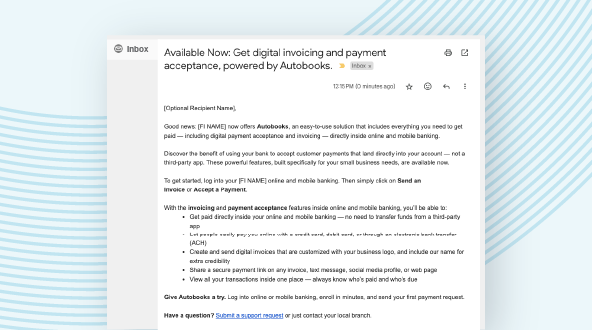
"Switch from Third-Party Apps" Campaign
-
Resource Kit

"Get Paid on the Go" Marketing Campaign
-
Download

Autobooks Product Images
-
Resource Kit

Announce Checkout Pages Feature
-
Download
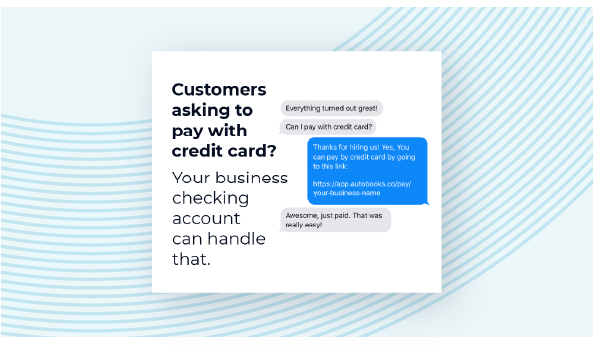
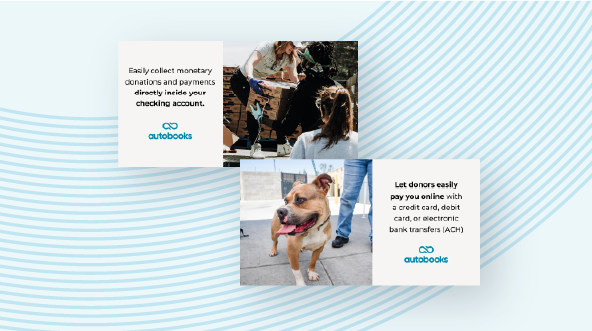
Digital Ad Inventory
-
Download

Autobooks Logo Files


Video embed code:
Copy and paste into your website CMS
<!-- The script tag should live in the head of your page if at all possible -->
<script type="text/javascript" async src="https://play.vidyard.com/embed/v4.js"></script>
<!-- Put this wherever you would like your player to appear -->
<img
style="width: 100%; margin: auto; display: block;"
class="vidyard-player-embed"
src="https://play.vidyard.com/cyqpc7cdcpMRkTefj2yBo1.jpg"
data-uuid="cyqpc7cdcpMRkTefj2yBo1"
data-v="4"
data-type="inline"
/>
Copied!

Video embed code:
Copy and paste into your website CMS
<!-- The script tag should live in the head of your page if at all possible -->
<script type="text/javascript" async src="https://play.vidyard.com/embed/v4.js"></script>
<!-- Put this wherever you would like your player to appear -->
<img
style="width: 100%; margin: auto; display: block;"
class="vidyard-player-embed"
src="https://play.vidyard.com/ZoSU8ibgxZWYzZbZASj1af.jpg"
data-uuid="ZoSU8ibgxZWYzZbZASj1af"
data-v="4"
data-type="inline"
/>
Copied!

Video embed code:
Copy and paste into your website CMS
<!-- The script tag should live in the head of your page if at all possible -->
<script type="text/javascript" async src="https://play.vidyard.com/embed/v4.js"></script>
<!-- Put this wherever you would like your player to appear -->
<img
style="width: 100%; margin: auto; display: block;"
class="vidyard-player-embed"
src="https://play.vidyard.com/oDgjcQyKmr1zbtnp8rawY8.jpg"
data-uuid="oDgjcQyKmr1zbtnp8rawY8"
data-v="4"
data-type="inline"
/>
Copied!

Video embed code:
Copy and paste into your website CMS
<!-- The script tag should live in the head of your page if at all possible -->
<script type="text/javascript" async src="https://play.vidyard.com/embed/v4.js"></script>
<!-- Put this wherever you would like your player to appear -->
<img
style="width: 100%; margin: auto; display: block; max-width: 600px;"
class="vidyard-player-embed"
src="https://play.vidyard.com/CsYthHzaDDZUttiJ2Ka59a.jpg"
data-uuid="CsYthHzaDDZUttiJ2Ka59a"
data-v="4"
data-type="inline"
data-width="600"
/>
Copied!

Video embed code:
Copy and paste into your website CMS
<!-- The script tag should live in the head of your page if at all possible -->
<script type="text/javascript" async src="https://play.vidyard.com/embed/v4.js"></script>
<!-- Put this wherever you would like your player to appear -->
<img
style="width: 100%; margin: auto; display: block;"
class="vidyard-player-embed"
src="https://play.vidyard.com/P3CFXemQD7sxvDCRfKuFzD.jpg"
data-uuid="P3CFXemQD7sxvDCRfKuFzD"
data-v="4"
data-type="inline"
/>
Copied!

Video embed code:
Copy and paste into your website CMS
<!-- The script tag should live in the head of your page if at all possible -->
<script type="text/javascript" async src="https://play.vidyard.com/embed/v4.js"></script>
<!-- Put this wherever you would like your player to appear -->
<img
style="width: 100%; margin: auto; display: block; max-width: 600px;"
class="vidyard-player-embed"
src="https://play.vidyard.com/CBThzzhZhdhqwCuKmRD9HZ.jpg"
data-uuid="CBThzzhZhdhqwCuKmRD9HZ"
data-v="4"
data-type="inline"
data-width="600"
/>
Copied!
Video embed code:
Copy and paste into your website CMS
<!-- The script tag should live in the head of your page if at all possible -->
<script type="text/javascript" async src="https://play.vidyard.com/embed/v4.js"></script>
<!-- Put this wherever you would like your player to appear -->
<img
style="width: 100%; margin: auto; display: block; max-width: 600px;"
class="vidyard-player-embed"
src="https://play.vidyard.com/mt8ipC6Wsd34XSswDGvgXC.jpg"
data-uuid="mt8ipC6Wsd34XSswDGvgXC"
data-v="4"
data-type="inline"
data-width="600"
/>
Copied!
Video embed code:
Copy and paste into your website CMS
<!-- The script tag should live in the head of your page if at all possible -->
<script type="text/javascript" async src="https://play.vidyard.com/embed/v4.js"></script>
<!-- Put this wherever you would like your player to appear -->
<img
style="width: 100%; margin: auto; display: block; max-width: 600px;"
class="vidyard-player-embed"
src="https://play.vidyard.com/8GvhhS7qfymRuiUZhYHGGz.jpg"
data-uuid="8GvhhS7qfymRuiUZhYHGGz"
data-v="4"
data-type="inline"
data-width="600"
/>
Copied!

Video embed code:
Copy and paste into your website CMS
<!-- The script tag should live in the head of your page if at all possible -->
<script type="text/javascript" async src="https://play.vidyard.com/embed/v4.js"></script>
<!-- Put this wherever you would like your player to appear -->
<img
style="width: 100%; margin: auto; display: block; max-width: 600px;"
class="vidyard-player-embed"
src="https://play.vidyard.com/DXtwVRmEHCRJVJUQvViWJ5.jpg"
data-uuid="DXtwVRmEHCRJVJUQvViWJ5"
data-v="4"
data-type="inline"
data-width="600"
/>
Copied!

Video embed code:
Copy and paste into your website CMS
<!-- The script tag should live in the head of your page if at all possible -->
<script type="text/javascript" async src="https://play.vidyard.com/embed/v4.js"></script>
<!-- Put this wherever you would like your player to appear -->
<img
style="width: 100%; margin: auto; display: block; max-width: 600px;"
class="vidyard-player-embed"
src="https://play.vidyard.com/9jH6mcEjaBfjePTonFysFU.jpg"
data-uuid="9jH6mcEjaBfjePTonFysFU"
data-v="4"
data-type="inline"
data-width="600"
/>
Copied!
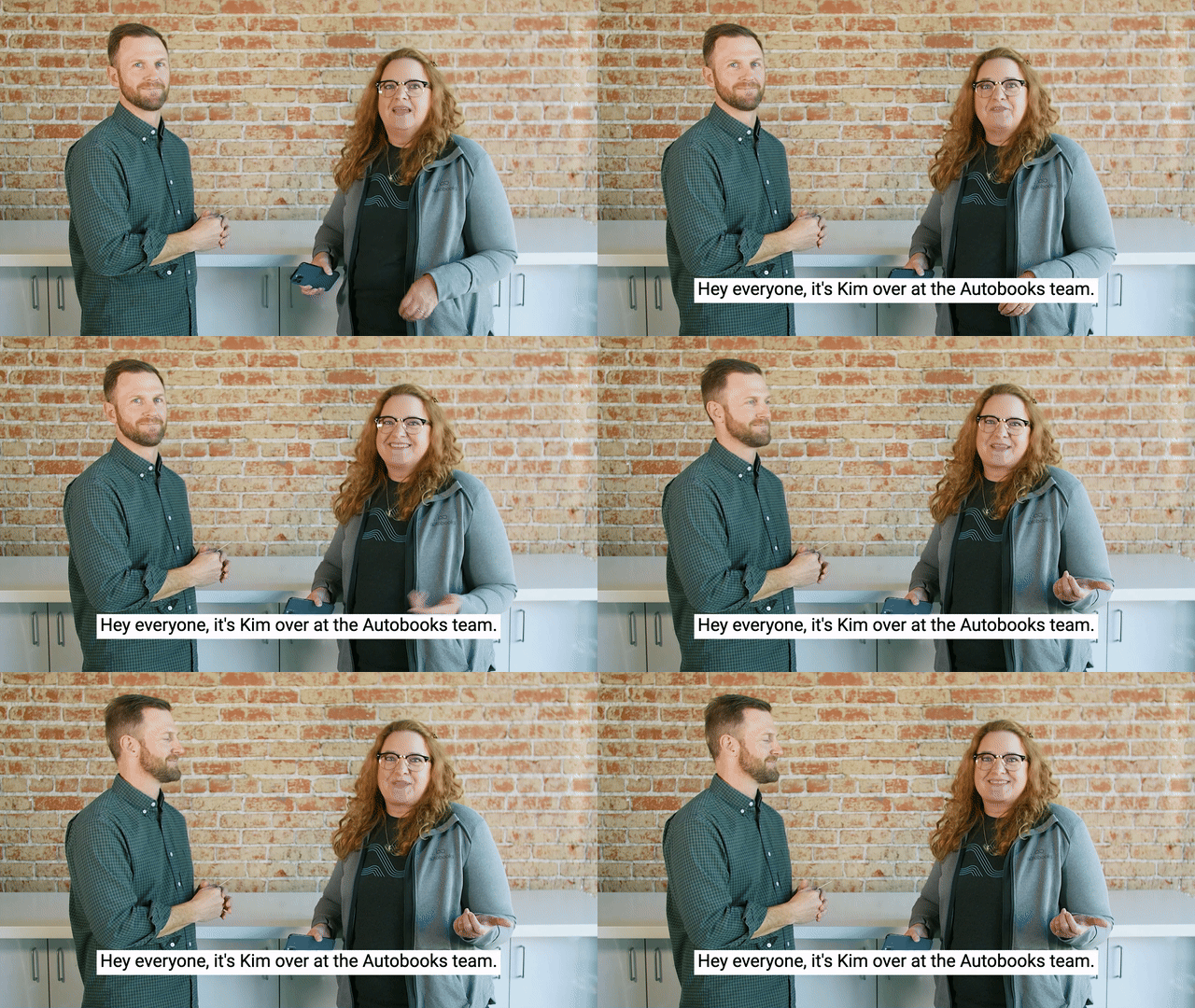
Video embed code:
Copy and paste into your website CMS
<!-- The script tag should live in the head of your page if at all possible -->
<script type="text/javascript" async src="https://play.vidyard.com/embed/v4.js"></script>
<!-- Put this wherever you would like your player to appear -->
<img
style="width: 100%; margin: auto; display: block; max-width: 600px;"
class="vidyard-player-embed"
src="https://play.vidyard.com/ZXN1ambWcQEzwQ9tpM91op.jpg"
data-uuid="ZXN1ambWcQEzwQ9tpM91op"
data-v="4"
data-type="inline"
data-width="600"
/>
Copied!