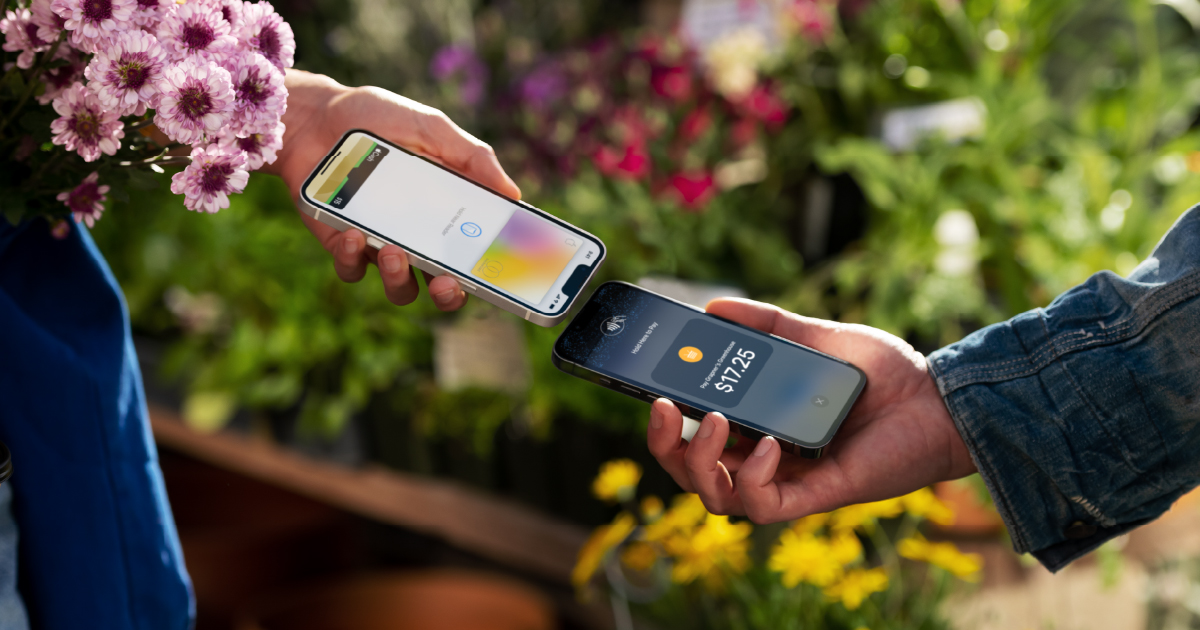
Your iPhone is the card reader.
Accept card payments wherever the work happens. After a service call, on a job site, at a delivery, between visits. Your customer taps their card, phone, or watch, and the money settles directly to your business checking account.
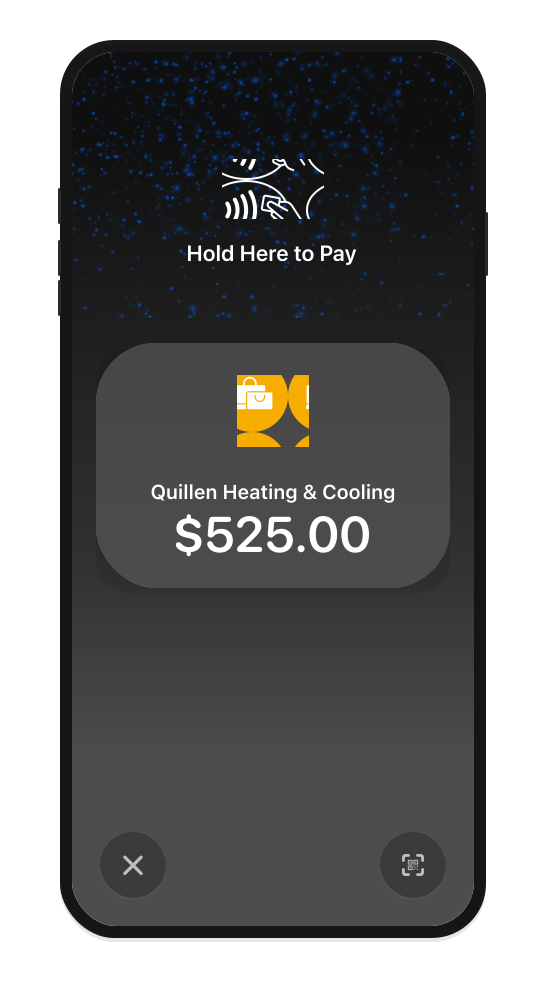
No payment terminals needed.
Accept in-person payments with only an iPhone.
Transactions are contactless.
Accept all types of contactless payments.
Customers choose how they pay.
Accept debit and credit cards, Apple Pay and even other digital wallets.
Funds go into their account.
Secure and private transactions. Privacy and security built in.
Tap to Pay in three steps.
Open Tap to Pay.
Launch Tap to Pay from your bank’s digital banking on your iPhone. No app to download, no terminal to pair, no hardware to charge.
Enter the sale.
Type the amount or pull items from your saved product list. Apply sales tax. Let the customer add a tip if that’s part of how you charge.
Take the payment.
Your customer holds a contactless card, Apple Pay, Google Pay, or another contactless device near your iPhone. The payment is accepted. The money settles directly to your business checking account, alongside every other payment you’ve received.
Everything you need to get paid in person.

No hardware to buy
Your iPhone is the card reader. Nothing to carry, nothing to charge, nothing to lose.
Contactless, every time
Accept contactless credit cards, debit cards, Apple Pay, Google Pay, and other contactless devices. Faster than a swipe, safer than cash.
Works anywhere you work
On a job site, at a client’s door, after a service call, between visits. If you have your iPhone and a signal, you can accept a payment.
Tax and tips at the point of sale
Apply sales tax automatically. Let the customer add a tip. Every total is right, every time.
Multiple people, one business
For businesses with employees, add users through Apple Business Manager. More than one person can accept payments on behalf of the business.
Connected to your books
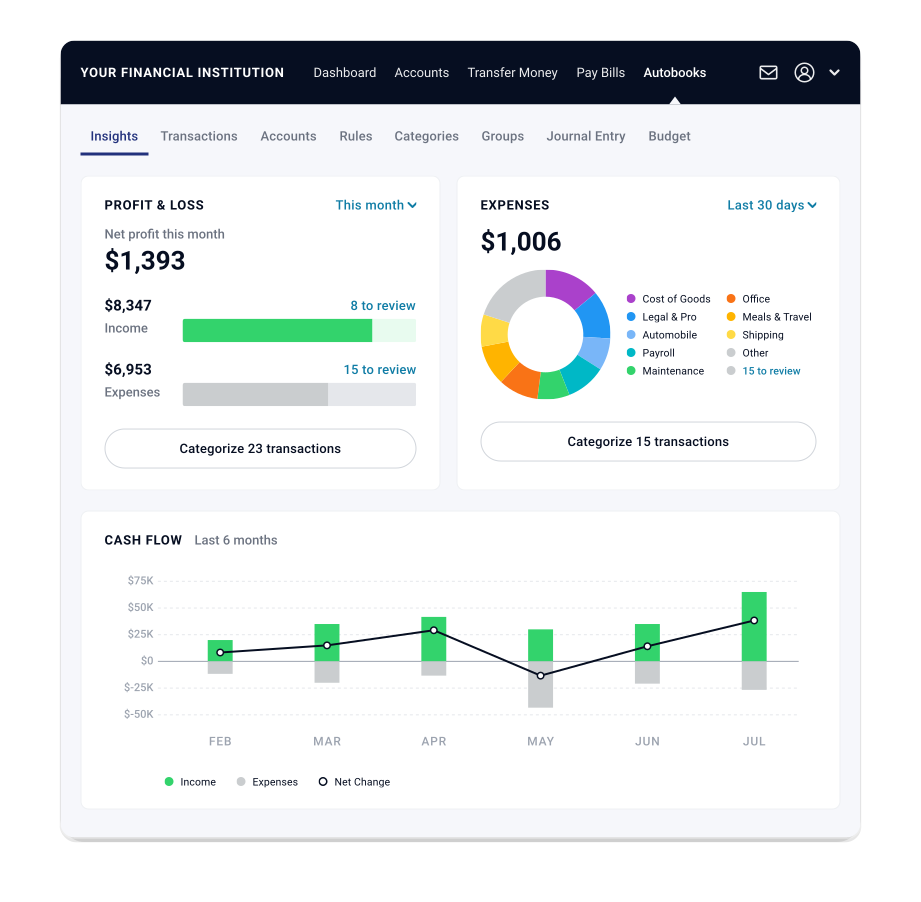
Every in-person sale lands alongside your invoices, payment links, and checkout sales. When Autobooks accounting is enabled, each transaction is categorized and recorded automatically.
Every in-person payment counts toward the bigger picture.
Every Tap to Pay sale lands in your connected receivables view alongside the invoice you sent from the office on Monday, the payment link you texted yesterday, and the checkout page order from last week.
The connected system sees every payment, no matter where the work happened. When Autobooks accounting is enabled, every sale is categorized and recorded automatically.
Tap to Pay is one part of the connected system. The more you use, the clearer your picture.
Banks choose which Autobooks features they offer. If something on this page isn’t available where you bank, ask your banker about adding it.
Get paid wherever the work happens.

Tradespeople & field services
Plumbers, electricians, HVAC techs. Take a card before you leave the driveway. No customer saying “I’ll mail you a check.”

On-location services
Pet groomers, mobile detailers, photographers on location. Wrap the job, take the card, move to the next stop.

Personal trainers & wellness pros
Collect a session fee right after the workout. Take a tip at the end. All your transactions live in one place.

Consultants & freelancers
Wrap a meeting and take payment on the spot for a smaller engagement. No invoice required. The payment feeds your cash flow picture the same way every other payment does.
Take your first Tap to Pay payment.
Autobooks Tap to Pay on iPhone is inside your bank’s digital banking. No new app. No new login.
Tap to Pay on iPhone requires a supported payment app and the latest version of iOS. Update to the latest version by going to Settings > General > Software Update. Tap Download and Install. Some contactless cards may not be accepted by your payment app. Transaction limits may apply. The Contactless Symbol is a trademark owned by and used with permission of EMVCo, LLC. Tap to Pay on iPhone is not available in all markets. For Tap to Pay on iPhone countries and regions, see: https://developer.apple.com/tap-to-pay/regions/.
Apple Pay is a service provided by Apple Payments Services LLC, a subsidiary of Apple Inc. Neither Apple Inc. nor Apple Payments Services LLC is a bank. Any card used in Apple Pay is offered by the card issuer.