Every bill. One place. On your terms.
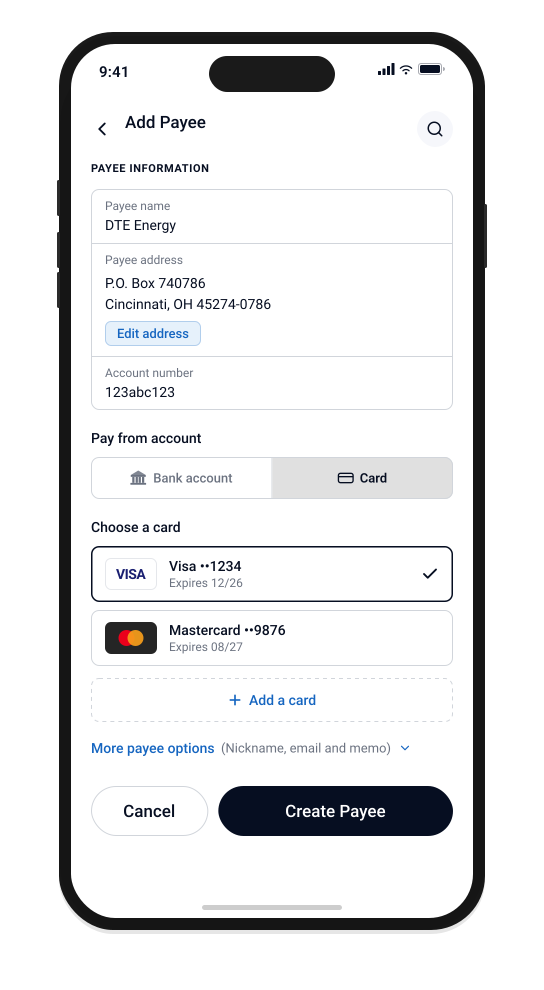
See every bill in one place. Schedule payments the way you want them made. Pay directly from your bank account or pay by card. Autobooks handles delivery to the vendor behind the scenes.
Pay bills in three steps.
See every bill.
Capture bills by forwarding an email, uploading a PDF, or entering them manually. Autobooks pulls the amount, due date, and vendor automatically.
Schedule the payment.
Pick when each bill gets paid. Pay today, schedule for the due date, or set up recurring payments for the bills that come around every month.
Choose how to pay.
Pay directly from your bank account, or pay by card. Autobooks handles delivery to the vendor behind the scenes. The payment shows up alongside every other bill you’ve scheduled.
Control over every bill you owe.

Every bill in one place
Forward, upload, or enter bills as they come in. See what’s due, what’s scheduled, and what’s paid without logging into multiple vendor portals.
Schedule payments your way
Pay now, pay on the due date, or set up recurring payments for the bills that repeat every month. Autobooks handles the rest.
Pay by bank or by card
Pay directly from your bank account to keep cash in the business, or pay by card when you want to make the payment now and recognize the expense later. Autobooks handles delivery to each vendor behind the scenes.
Approve before anything goes out
Nothing moves without your approval. Review each scheduled payment before it’s sent.
Vendors stored once
Add a vendor one time. Every future payment pulls the right account, address, and preferred delivery method without you reentering anything.
Connected to your books
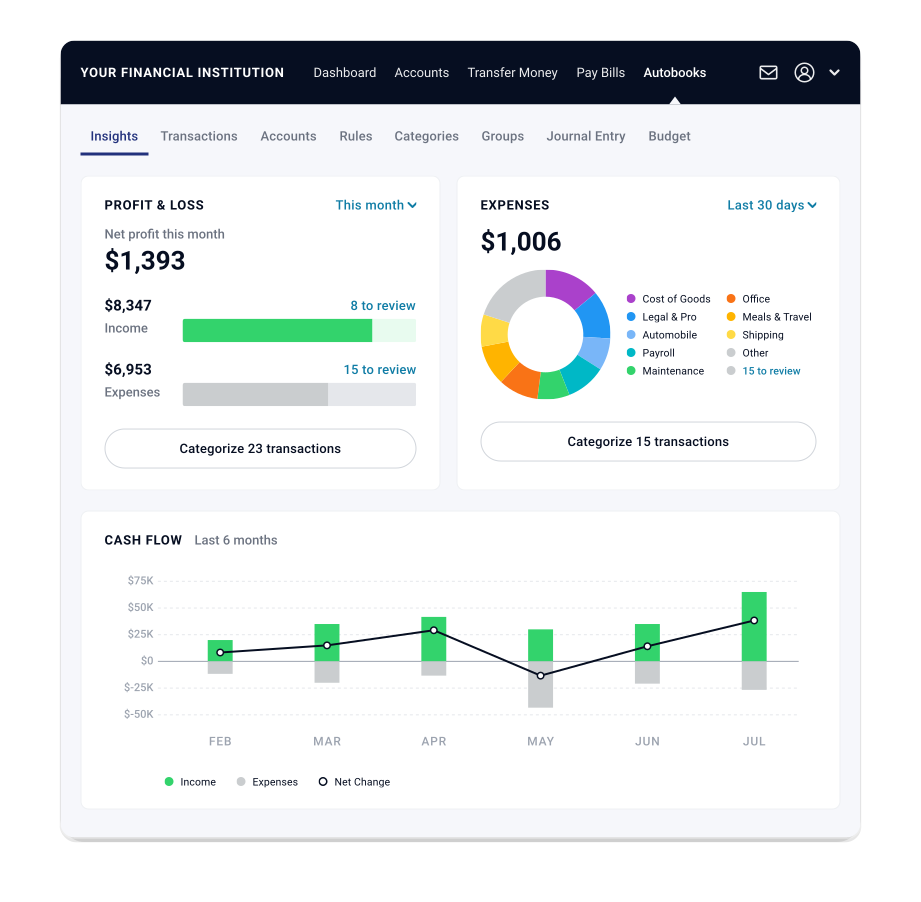
Every bill you pay shows up alongside your incoming payments and your bank balance. When Autobooks accounting is enabled, each transaction is also categorized and recorded in your ledger.
The bills you pay are more than a line item.
Every bill you pay flows into your connected payables view, alongside your incoming payments and your bank balance.
The connected system sees what’s owed, what’s scheduled, what’s gone out, and what’s still in your account, then surfaces what matters. When Autobooks accounting is enabled, every bill is also categorized and recorded in your ledger automatically.
Pay Bills is one part of the connected system. The more you use, the clearer your picture.
Banks choose which Autobooks features they offer. If something on this page isn’t available where you bank, ask your banker about adding it.
Built for how you actually pay.

Consultants & freelancers
Pay software subscriptions, contractors, and one-off bills from the same place you invoice. Nothing falls through the cracks.
Service businesses
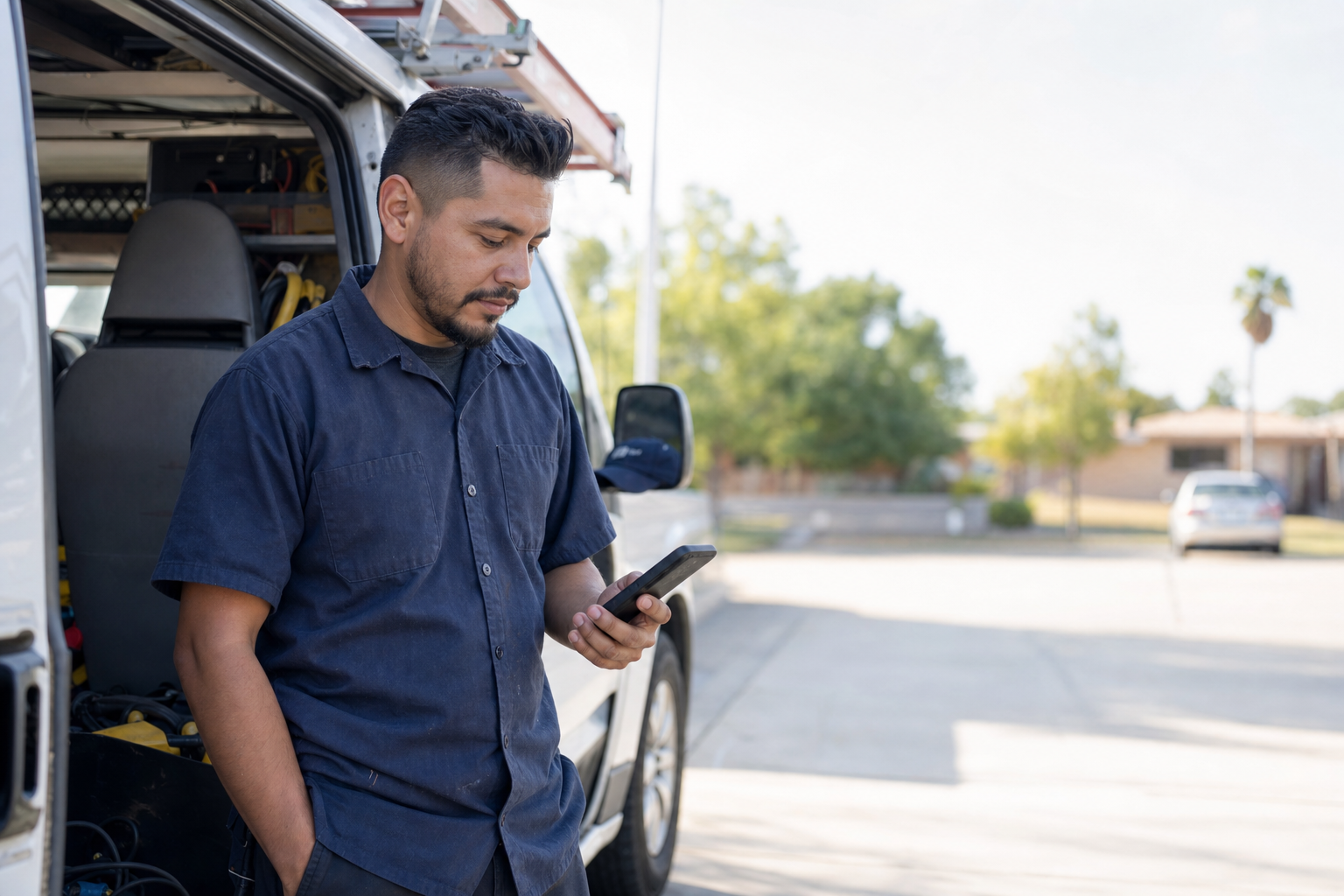
Pay suppliers, insurance, fuel, and licensing from your phone. The money going out comes from the same account your customer payments land in.
Online sellers
Pay warehouse fees, platform charges, and shipping bills without jumping between portals. Everything shows up alongside your incoming payments and your bank balance.
Nonprofits
Pay vendors, grant distributions, and recurring costs. When Autobooks accounting is enabled, every payment is recorded automatically.
Pay your next bill from your bank.
Autobooks Pay Bills is inside your bank’s digital banking. No new app. No new login.