Get paid your way, right from your bank account.
Invoice a client, text a payment link, accept a tap on your phone, or take payments online. However your customers pay, the money settles directly to your bank account, and every payment lands in one view. No separate apps. No third-party holding accounts. You see exactly where your money is and when it deposits.
Login
Five ways to get paid.
All from your bank.
Each one works on its own. Use what fits your business today. Every payment, no matter how it comes in, shows up in one place alongside your bank balance, so you always know what’s incoming, what’s deposited, and where your business stands.
Invoicing
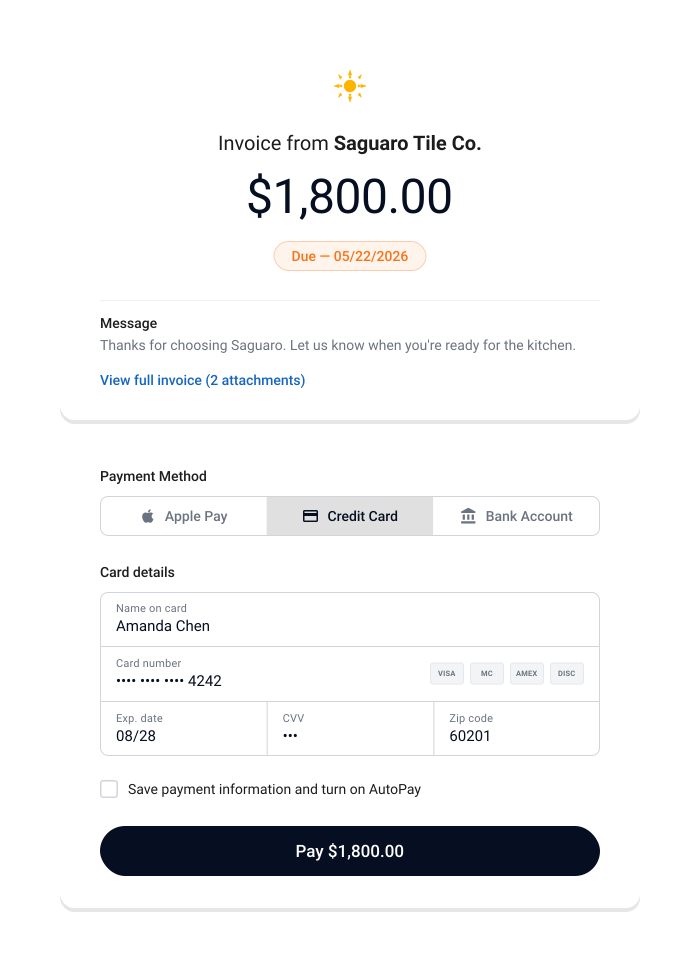
Send an invoice. Get paid. Move on.
Create and send professional invoices from your bank’s digital banking. Your customer pays online. The money settles directly to your account.
Payment Links & QR Codes
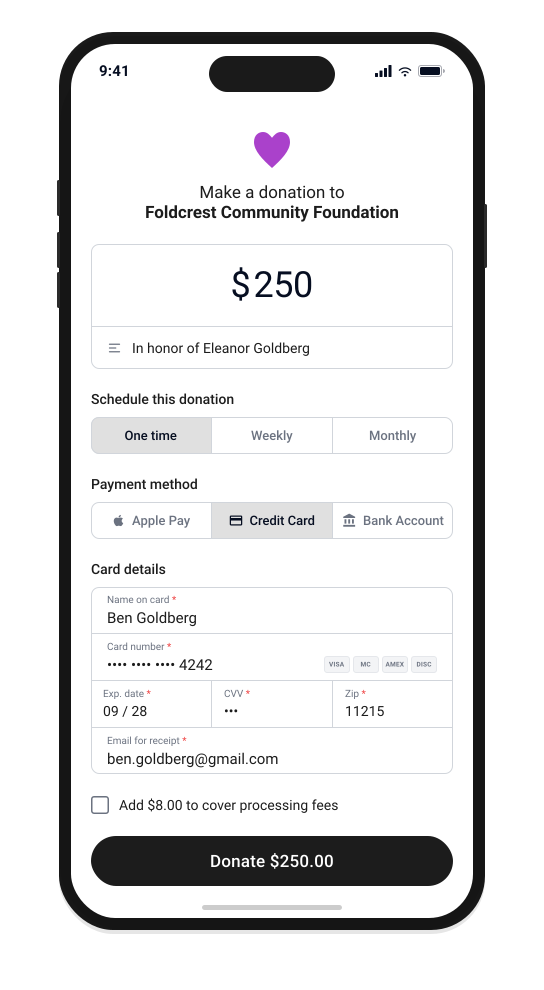
Share a link. Get paid on the spot.
Create a payment link or QR code and share it anywhere: text, email, social media, or print. Your customer pays from any device. No app needed on either side.
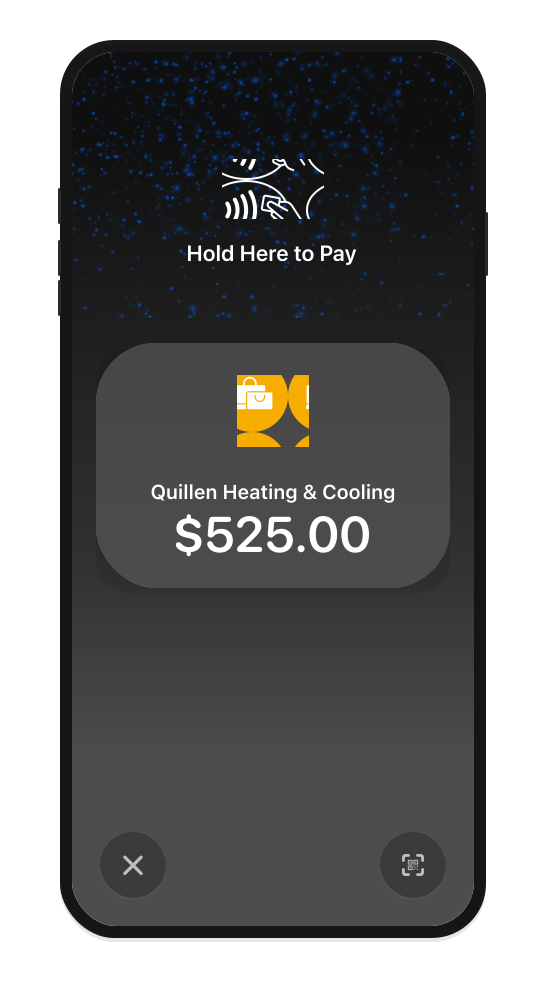
Tap to Pay
Accept cards anywhere with your phone.
Turn your phone into a card reader. Accept contactless payments wherever the work happens: a job site, a delivery, the end of a service call. No extra hardware needed.
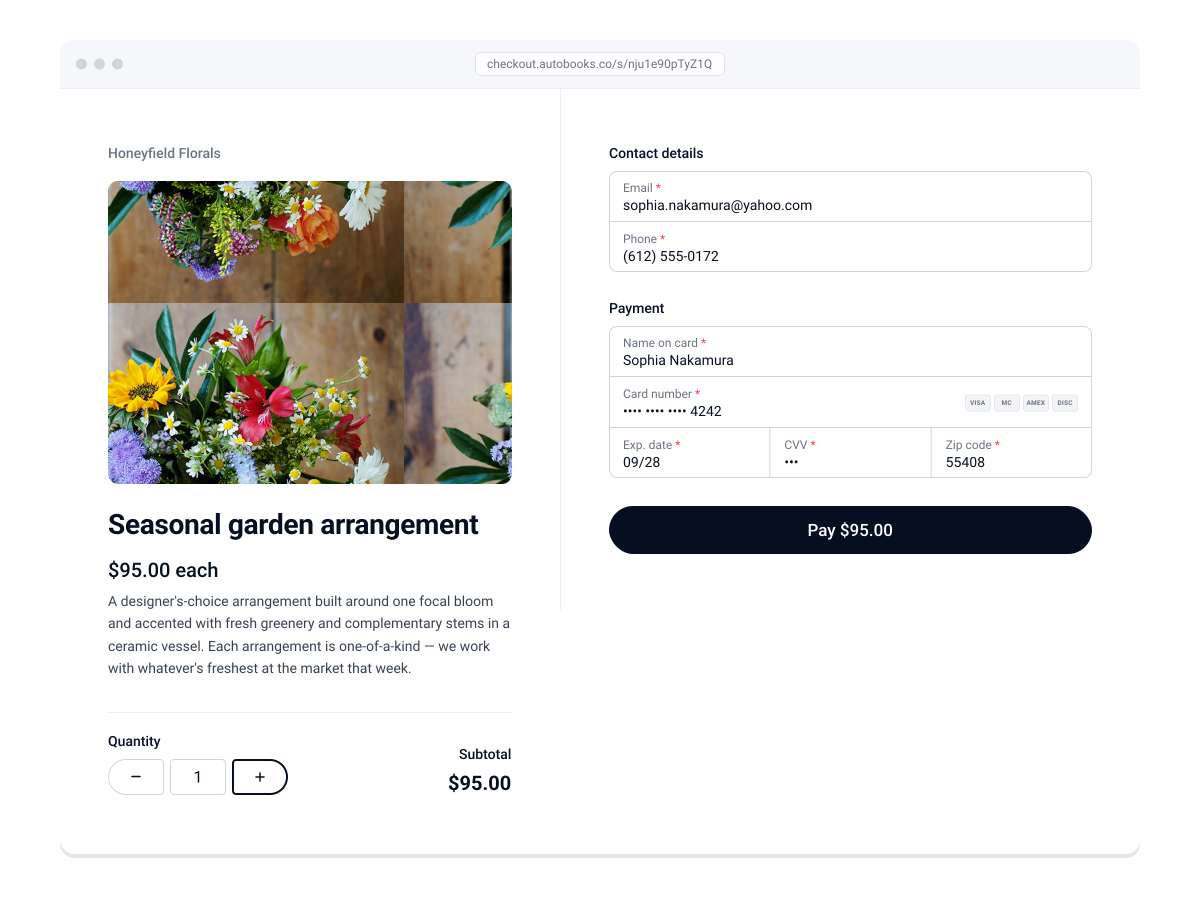
Checkout Pages
Your own branded checkout, built in minutes.
Add a payment checkout to your website or share a standalone checkout link. Your customers pay with the method that works for them. You get a branded experience without building anything from scratch.
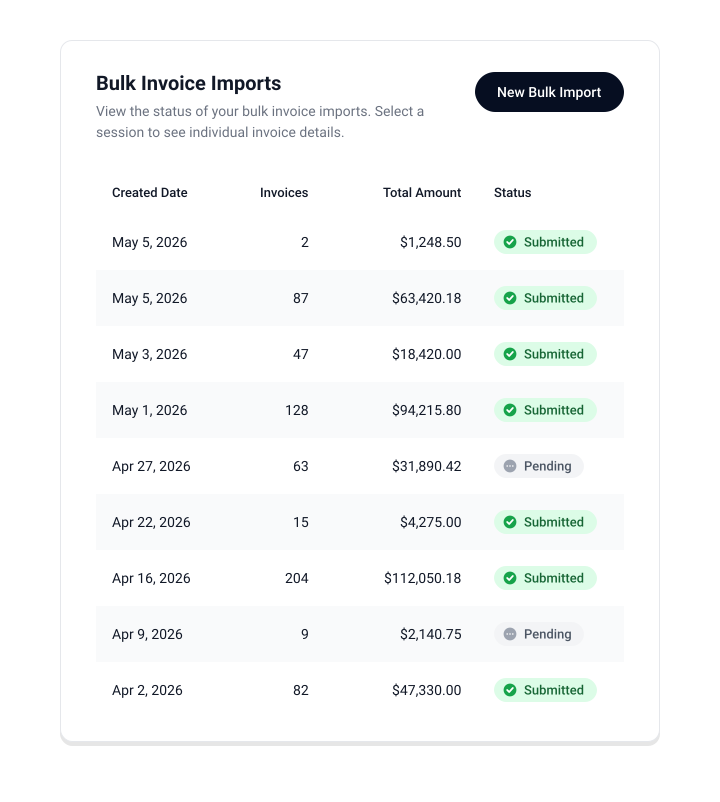
Bulk Invoicing
Bill multiple customers at once.
Send invoices to a list of customers in one batch. Same professional templates, same automated reminders. Just faster when you need to bill at scale.
Share a link. Get paid on the spot.
Create a payment link or QR code and share it anywhere: text, email, social media, or print. Your customer pays from any device. No app needed on either side.
Accept cards anywhere with
your phone.
Turn your phone into a card reader. Accept contactless payments wherever the work happens: a job site, a delivery, the end of a service call. No extra hardware needed.
Your own branded checkout, built in minutes.
Add a payment checkout to your website or share a standalone checkout link. Your customers pay with the method that works for them. You get a branded experience without building anything from scratch.
Bill multiple customers at once.
Send invoices to a list of customers in one batch. Same professional templates, same automated reminders. Just faster when you need to bill at scale.
-
Invoicing
Send an invoice. Get paid.
Move on.Create and send professional invoices from your bank’s digital banking. Your customer pays online. The money settles directly to your account.
-
Payment Links
& QR Codes
Share a link.
Get paid on the spot.Create a payment link or QR code and share it anywhere — text, email, social media, or print. Your customer pays from any device. No app needed on either side.
-
Tap to Pay on iPhone
Accept cards anywhere with
your phone.Turn your phone into a card reader. Accept contactless payments in person — at the counter, on the job site, or wherever business happens. No extra hardware needed.
-
Checkout Pages
Your own branded checkout, built in minutes.Add a payment checkout to your website or share a standalone checkout link. Your customers pay with the method that works for them. You get a branded experience without building anything from scratch.
-
Bulk
Invoicing
Bill multiple customers at once.Send invoices to a list of customers in one batch. Same professional templates, same automated reminders — just faster when you need to bill at scale.
Get paid from the bank you already use.
Autobooks receivables lives inside your bank’s digital banking. No new app to download. No new login to remember. No third-party account to manage. You open your bank’s app or website, and the tools are there.
Payments settle directly to your business checking account, not to a holding account somewhere else. Your money is where you expect it to be, when you expect it to be there.
Getting paid is just the start.
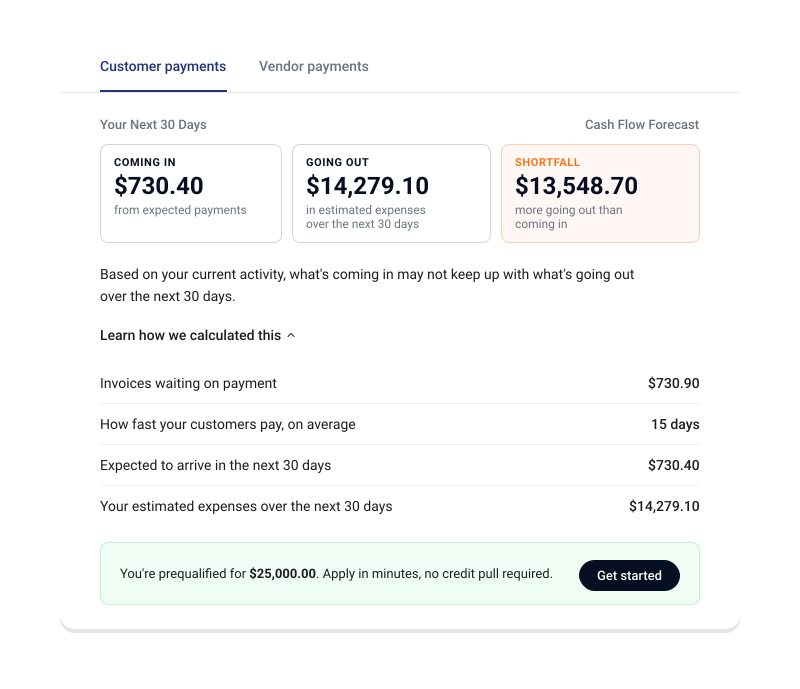
Every dollar that comes in lands right next to your bank balance. No checking three different apps to see where things stand. You log into your bank, and your money is right there.
The connected system watches your incoming payments, your outgoing bills, and your bank balance, then surfaces what matters: a heads-up before a shortfall, a nudge when a payment goes past due, a real-time picture of where you stand.
When offered by your bank, add Autobooks bill pay, accounting, and lending, and your balance gets smarter. Disconnected tools can’t give you that.
Banks choose which Autobooks features they offer. If something on this page isn’t available where you bank, ask your banker about adding it.
Your books
Updated automaticallyCommon questions about getting paid
What payment methods can my customers use?
Credit card, debit card, or bank transfer, paid online from any device. No account to create on their end, and the money settles directly to your checking account.
How fast do payments settle to my account?
Payments settle directly to your business checking account, not a third-party holding account. Exact timing can vary, so your bank can confirm timing for your account.
What does it cost to accept payments?
Pricing is set by your bank, so the rate depends on where you bank. There are no separate apps or accounts to pay for. Your bank can tell you the rates that apply to your account.
Do I need any hardware for Tap to Pay?
No. Your iPhone becomes the card reader, so you can accept contactless cards and digital wallets in person with no extra hardware.
How do I find Autobooks in my bank's app?
It lives inside your bank's digital banking, so there's no app to download and no new login. Open your bank's app or website and the tools are there. If you don't see them, contact Autobooks or your bank.
Can I customize the look of my invoices?
Yes. Add your business name, logo, and branding once in your invoice settings, and it applies to every invoice you send.
What if my bank doesn't offer all these capabilities yet?
Banks choose which capabilities they offer, so you may not see every option today. Each one works on its own, so start with what's available. To ask about the rest, contact Autobooks or your bank.
Start getting paid from your bank today.
Autobooks is inside your bank’s digital banking. No new app. No new login. Start with the capability that fits your business.
Having trouble locating Autobooks inside of your bank account? Contact Autobooks or your bank today.
Small businesses getting paid,
their way.
-
H5 SMB Owner Name
Business name
Business description placeholder here
Testimonial text: “The Autobooks Payment Form is extremely easy to use for me and my customers! I simply email the link for credit card payment with my invoice. They (or I) can enter their credit card information securely. The money is deposited into my checking. The money is deposited into my checking. The money is deposited into my checking. -
H5 SMB Owner Name
Business name
Business description placeholder here
Testimonial text: “The Autobooks Payment Form is extremely easy to use for me and my customers! I simply email the link for credit card payment with my invoice. They (or I) can enter their credit card information securely. The money is deposited into my checking. The money is deposited into my checking. The money is deposited into my checking.