Send a link. Get paid. Anywhere.
Create a payment link or QR code and share it anywhere: text, email, social media, or print. Your customers pay from any device, with no app to download on either side. The money settles directly to your bank account.
Three steps to getting paid anywhere.
Create your link or QR code.
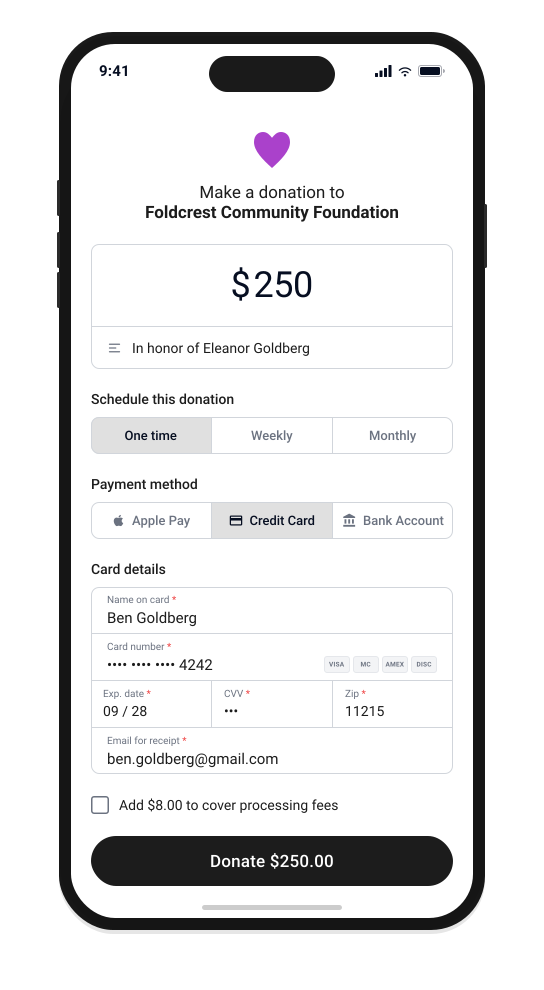
Create your payment link or QR code. Your customer opens it, enters the amount, and pays from any device. They can pay once or set up an automatic recurring payment themselves.
Share it however you want.
Text it to a customer. Drop it in an email. Post it on social media. Print the QR code on a receipt, a flyer, or a table tent. No app download needed on either side.
Money in. Tracked.
Your customer pays from any device. The payment settles directly to your bank account. The payment shows up alongside every other payment you’ve received.

The fastest way to get paid from your bank.

Works on any device
Your customer doesn’t need an app, an account, or a login. They tap the link, enter their payment information, and pay. Works on phones, tablets, and desktops.
One-time or reusable
Create a link for a single payment or one that works every time. Reusable links are ideal for ongoing services, donations, or repeat clients who pay the same amount.
QR codes included
Every payment link comes with a printable QR code. Put it on invoices, receipts, signage, business cards, or anywhere a customer might see it. They scan and pay.
Multiple payment methods
Your customers choose how they pay: credit card, debit card, ACH, or Apple Pay. You accept more ways to get paid without setting up more tools.
Real-time tracking
See when a link is opened and when the payment arrives. Know who has paid and who hasn’t without following up manually.
Direct deposit to your bank
Payments settle directly to your business checking account. No third-party holding account, no extra transfers.
Every payment link feeds your bigger picture.
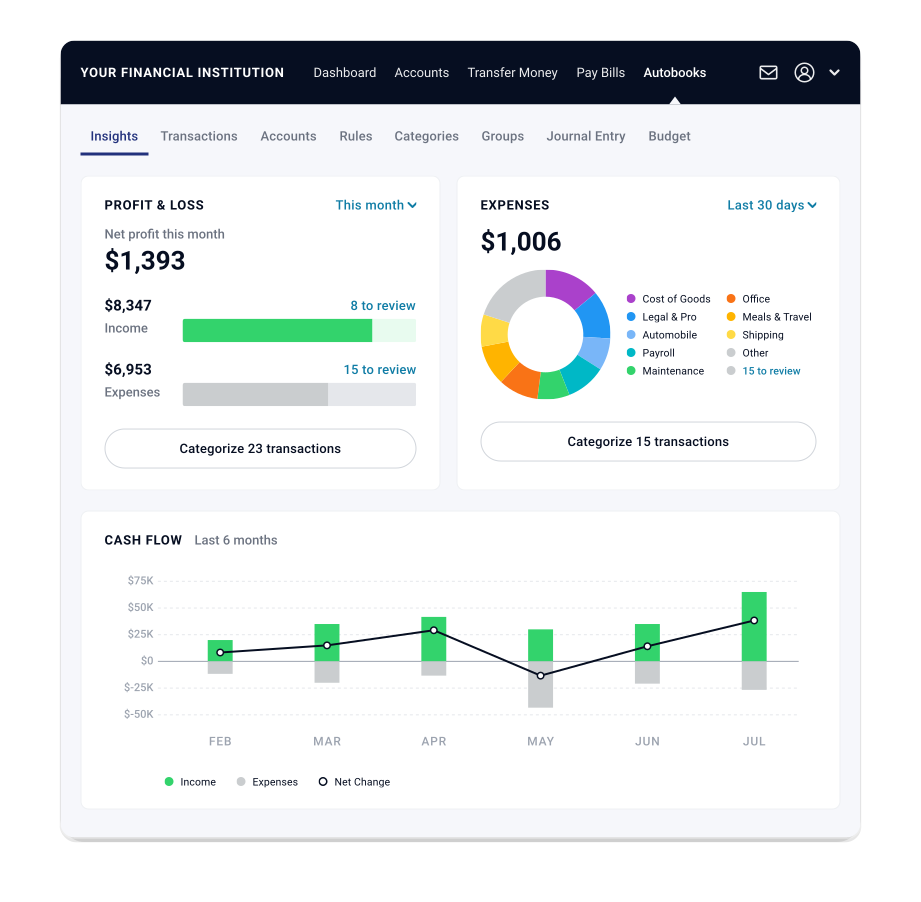
Every payment that comes through a link or QR code lands in your connected receivables view, alongside your invoices, your bills, and your bank balance.
The connected system sees what’s incoming, what’s outgoing, and what’s in your account, then surfaces what matters. When Autobooks accounting is enabled, every payment is categorized and recorded automatically.
Payment links are one part of the connected system. The more you use, the clearer your picture.
Banks choose which Autobooks features they offer. If something on this page isn’t available where you bank, ask your banker about adding it.
Get paid wherever your business takes you.

Consultants & freelancers
Text a payment link after a meeting. Drop it in a follow-up email. Get paid without creating a full invoice for smaller engagements.
Event organizers & nonprofits
Print a QR code on event signage or donation materials. Attendees and donors scan and pay, with no cash handling and no card reader needed.
Service providers
Plumbers, cleaners, personal trainers: share a link from your phone before you leave the job. Payment arrives while you drive to the next one.
Retailers & market vendors
Display a QR code at your table, booth, or counter. Customers pay on their own phone. You keep moving.
Create your first payment link today.
Payment links and QR codes are inside your bank’s digital banking. No new app. No new login.
Payment Link & QR Code
Digital payment acceptance that’s seamlessly integrated into online & mobile banking.
Autobooks can help your business customers accept digital payments and donations — online, in-app, or over the phone.