The connected small business experience, inside Candescent
Autobooks brings receivables, payables, accounting, and lending together inside your Candescent digital banking.
Autobooks Partnership Model Implementation Resources Meet with Our Team
Autobooks Packages
Packages that evolve your small business strategy
Start with what fits your strategy today and expand as the value proves itself. Each package builds on the last.
Basic
Invoicing and payment acceptance inside digital banking
Plus
Advanced payments, Tap to Pay on iPhone, and working capital
Pro
The full connected solution: receivables, payables, accounting, lending, and Autobooks Hub
Smart Checking
Autobooks Pro aligned to your business checking strategy
Four steps to a successful program
Everything you need to launch and manage your Autobooks program.

Step 1: Prepare to go live
Request Access
Ensure your financial institution has allowed data sharing through your partnership with Candescent.
Training Resources
Webinars, reference materials, and internal go-to-market collateral.
Step 2: Configure & Test
Candescent has embedded and automated the technology to launch.
Testing Guide
Configure a test user and explore invoicing, payment links, Tap to Pay on iPhone, and accounting.
Step 3: Announce Your Launch
Marketing drives awareness, engagement, and activation. Free marketing materials are ready to use.
Step 4: Manage Your Program
Now available for Candescent financial institutions
Tap to Pay on iPhone
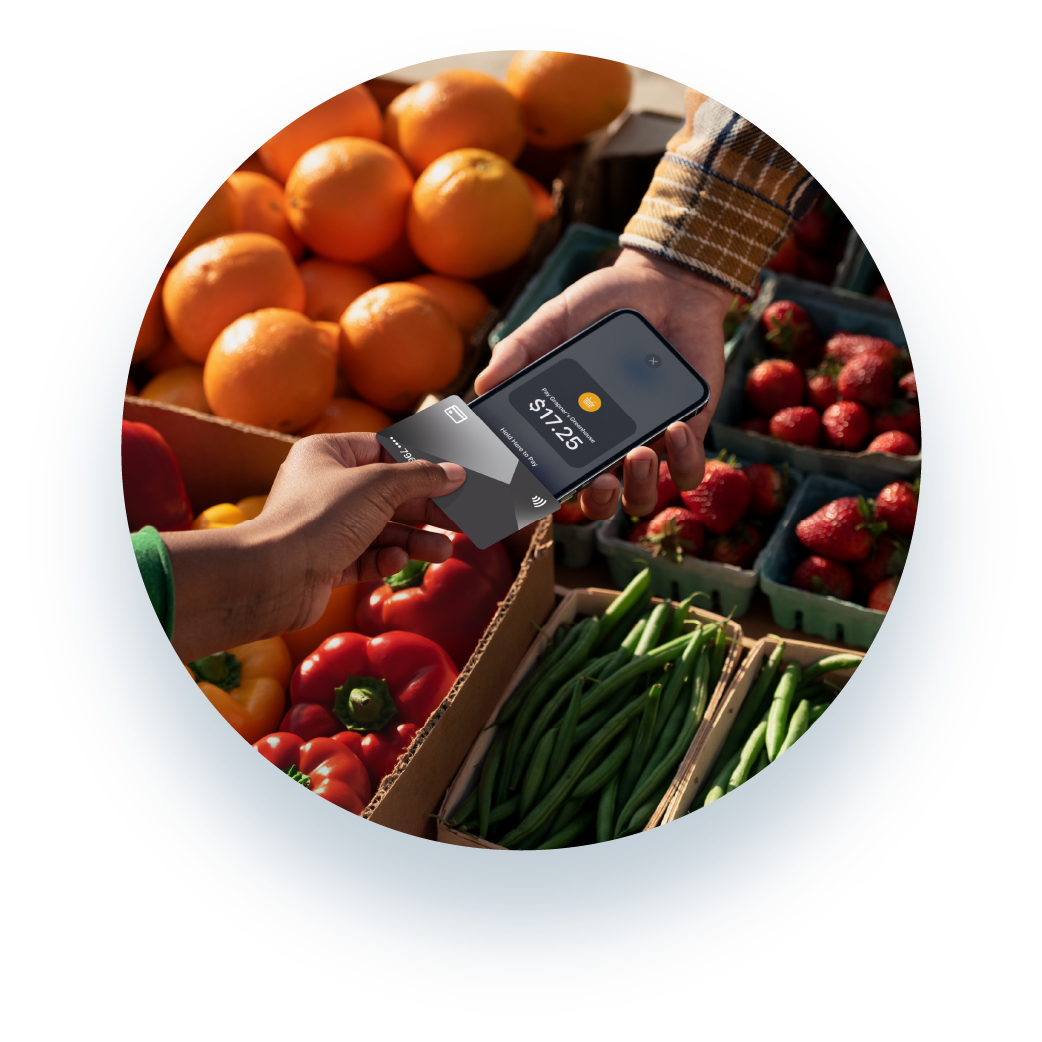
Offer Tap to Pay on iPhone to your small business customers. Accept contactless payments inside your mobile banking app. With Tap to Pay on iPhone and Autobooks, small business customers can accept in-person, contactless payments right on their iPhone, directly inside your mobile banking app. No extra terminals or hardware needed.